
Pointer AI
Experience seamless editing in Google Workspace products with Pointer AI. Enjoy AI-driven updates and automatic formatting preservation for maximum productivity.
Pointer AI brings a new level of productivity to Google Docs by acting like a personal on-page writing assistant. Instead of forcing you into a separate chat window, Pointer follows your instructions directly inside the document — typing suggestions, making edits, and leaving smart, explainable comments that show the reasoning behind every change. Built for teams and individual creators who want faster, clearer writing without losing control, Pointer works like an intern that actually understands context: it preserves your voice, respects document structure, and executes complex edits (rewrites, condensation, expansions, tone changes, inline citations and more) inline.
Pointer integrates seamlessly with Google Workspace via a Chrome extension, supports multiple languages, and is designed to speed up every stage of document work — drafting, editing, peer review, and final polish. It’s especially useful for busy professionals, product teams, content creators, and students who need high-quality outputs directly where they write.

Pointer AI Alternatives Free and Paid
Explore other popular AI tools for Writing.
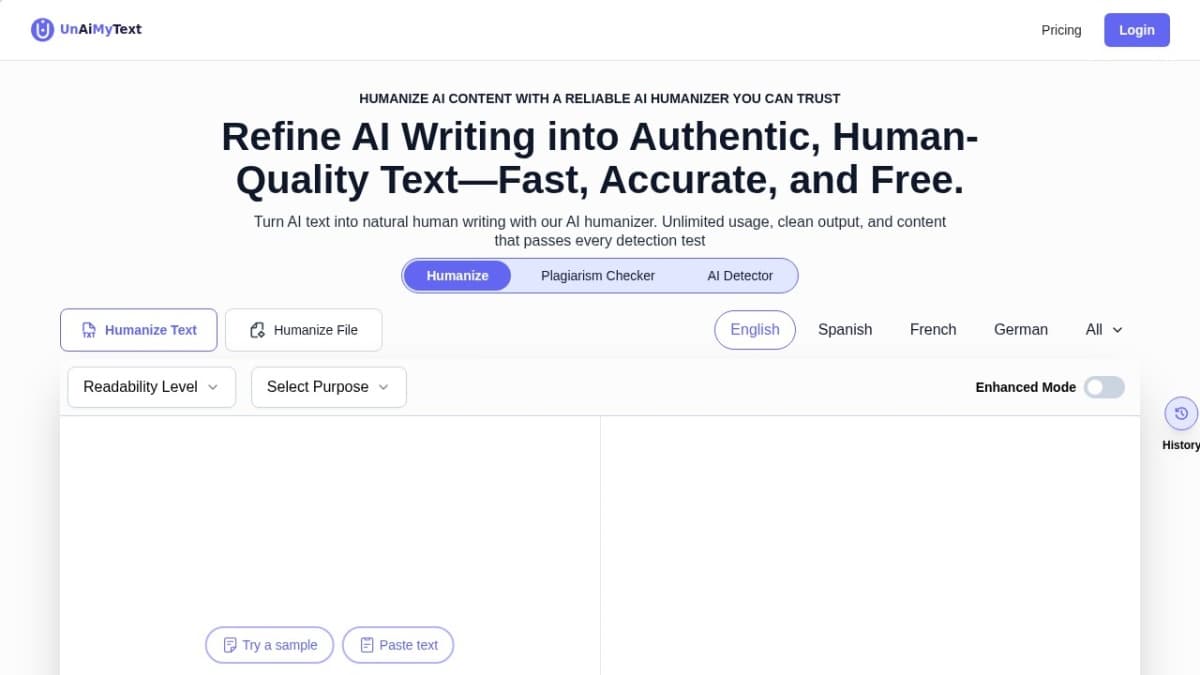
Humanize AI
AIhumanize transforms AI-generated drafts into natural, human-style text that passes leading AI detectors, keeps original meaning and keywords, and supports long-form content in multiple languages.
hello@laserai.com
LaserAI: AI-powered content tool for marketers & creators. Generate SEO-friendly text, boost productivity, drive engagement.
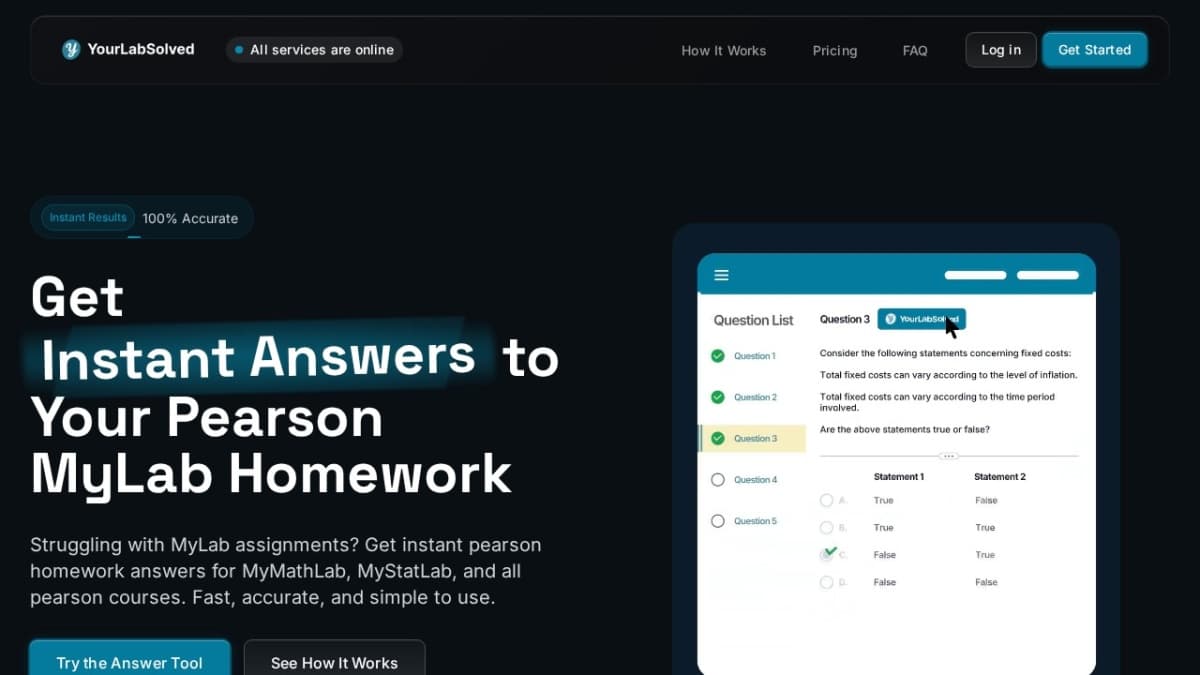
Pearson MyLab Answers
AI-powered Pearson My Lab answers for instant, reliable homework help!

Astrologer AI
AstrologerAI turns your birth data into real, computed charts across 6 systems — and lets you chat with an AI that actually explain