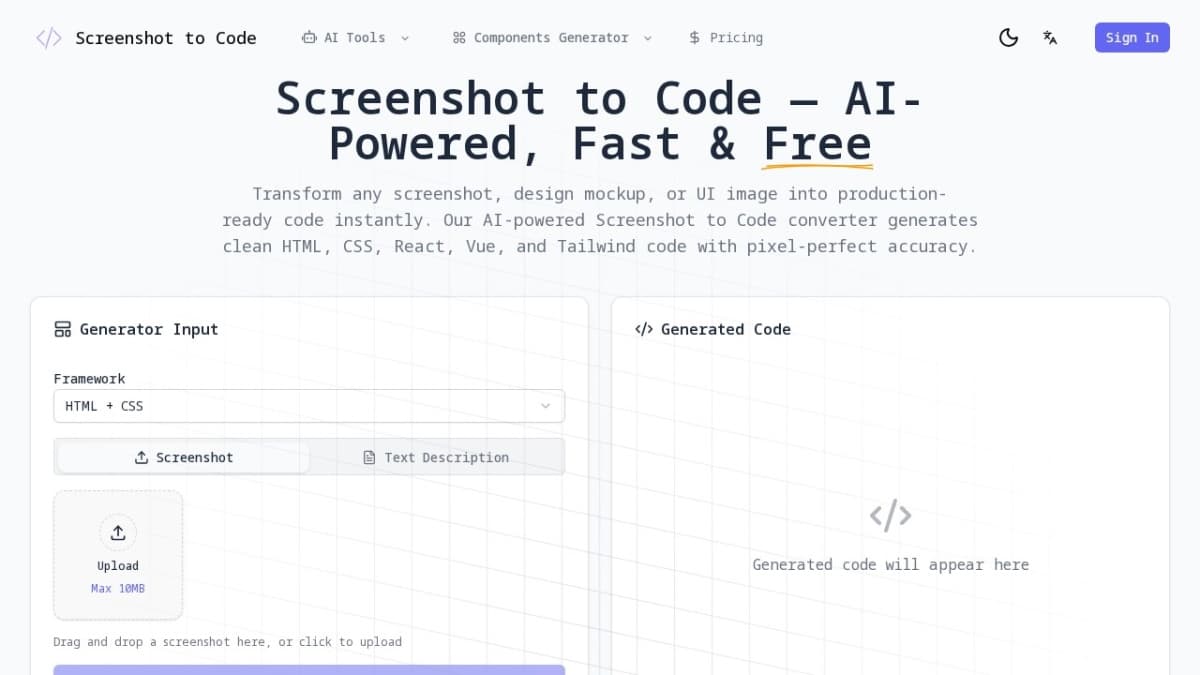
Screenshot to Code
Screenshot to Code converts screenshots to HTML/CSS code instantly. Free AI-powered tool for developers. Try Screenshot to Code now!
Screenshot to Code is an innovative AI-powered code generation tool that revolutionizes the way developers convert visual designs into functional code. Whether you're working with website screenshots, Figma designs, hand-drawn wireframes, or any UI mockup, Screenshot to Code leverages advanced computer vision and machine learning algorithms to analyze every visual element and generate clean, semantic, production-ready code in seconds. Screenshot to Code comes equipped with a comprehensive suite of features designed to meet the needs of modern web development. The platform's AI-powered visual recognition system accurately identifies buttons, forms, navigation menus, cards, images, and all UI components from screenshots with exceptional precision. This intelligent component detection enables Screenshot to Code to generate modular code structures that follow industry best practices.One of the standout features of Screenshot to Code is its multi-framework code generation capability. Developers can choose their preferred technology stack, and Screenshot to Code will output clean HTML and CSS, React components with JSX, Vue single-file components, or Tailwind CSS utility classes. This flexibility makes Screenshot to Code suitable for projects using any modern web framework.The pixel-perfect accuracy of Screenshot to Code ensures that generated code maintains visual fidelity by preserving layouts, spacing, typography, colors, and responsive breakpoints exactly as shown in the original design. Additionally, Screenshot to Code automatically extracts exact color values and identifies font families, creating CSS variables for consistent theming across projects. Screenshot to Code serves a diverse range of users, from individual developers to entire development teams. Frontend developers find Screenshot to Code invaluable for quickly implementing designs without spending hours on CSS styling. UI/UX designers who code appreciate how Screenshot to Code bridges the gap between design and development, enabling them to hand off Figma designs and receive pixel-perfect React components instantly.Startup founders and indie hackers leverage Screenshot to Code to build MVPs rapidly, converting competitor screenshots into starting points for their own projects. Agencies use Screenshot to Code to deliver client projects three times faster, with clean Tailwind CSS output and well-structured components that their developers love.
Visit Website
Explore Screenshot to Code and its features on their official website.
Visit Site
Screenshot to Code Alternatives Free and Paid
Explore other popular AI tools for Development.
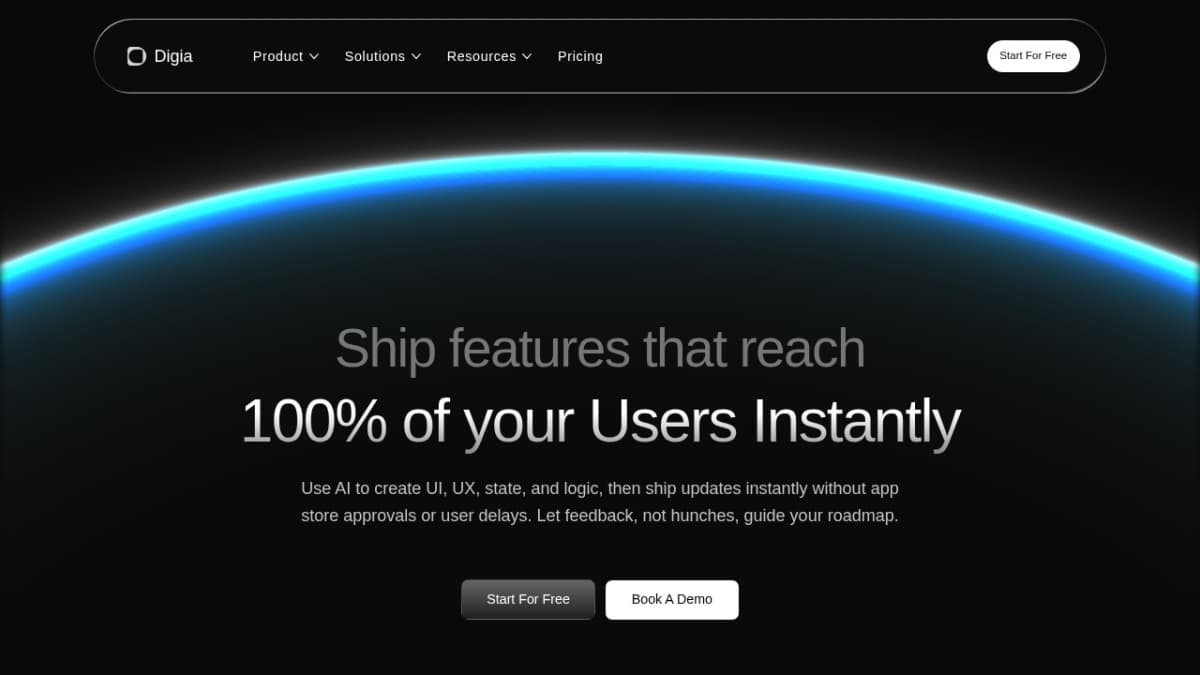
digia studio
Digia is a low-code app builder that lets brands launch fully native apps instantly. With server-driven releases, update flows in real-time without rebuilds or app store approvals
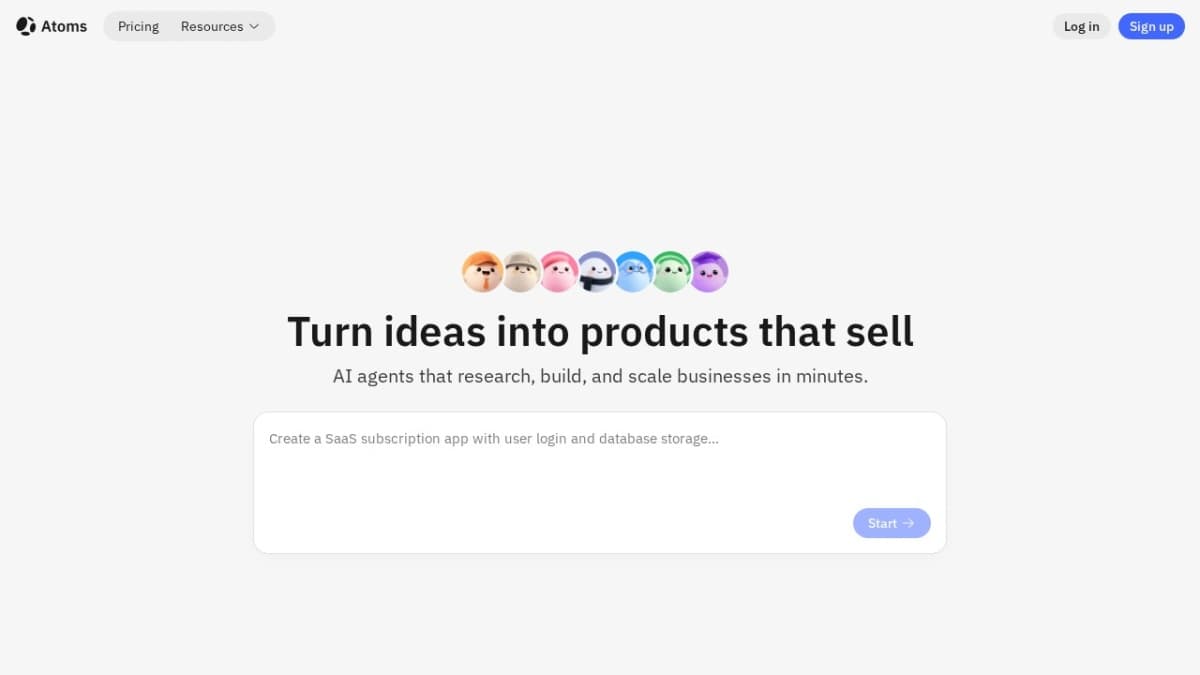
Atoms AI
AI vibe business team that turns your ideas into business

Meshes
Meshes is the outbound integration layer for SaaS products. Emit one event, and Meshes routes, retries, and delivers it to HubSpot, Salesforce, Slack, Mailchimp, and other downstream tools.
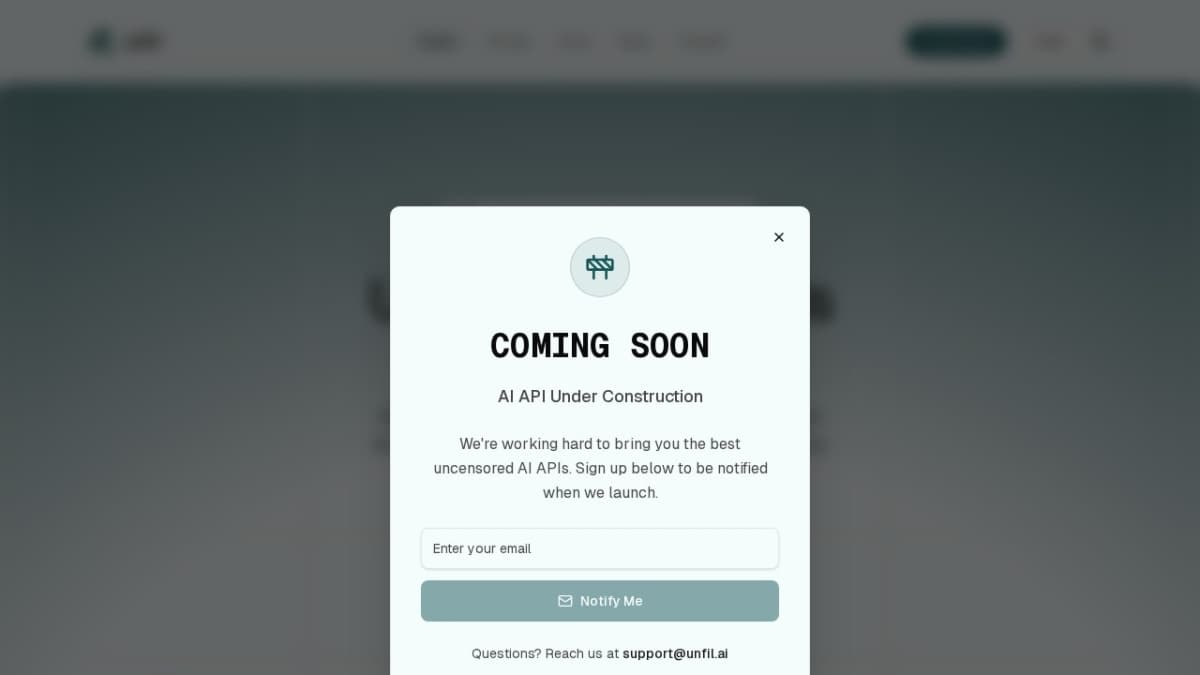
Unfil AI
Access 30+ uncensored models at 50% lower prices. Unfil AI offers the market’s cheapest text, image, and audio generation, secured by strict no-logs privacy and anonymous crypto payments.